






Your free virtual payment solution for Russia — ready in minutes, right on your phone

Top up from your bank and enjoy effortless payments for hotels, flights, taxis, restaurants, museums and more

Travel light. Pay easy. Enjoy Russia

Open your account
  • Up to 600 000 ₽
  • Top up online
  • Ready in minutes
  • Works in browser and app
Fully online banking

PayInRussia in numbers

+60 Countries

Open your account from anywhere in the world

Pay anywhere

99% of people pay by scanning QR codes

Up to 600 000 ₽

Top up using your preferred method

Instant payments

Sign up online and pay in minutes

Pay in 3 simple Steps

Top up your balance and enjoy seamless payments while travelling in Russia.

Sign Up

One solution for Hotels

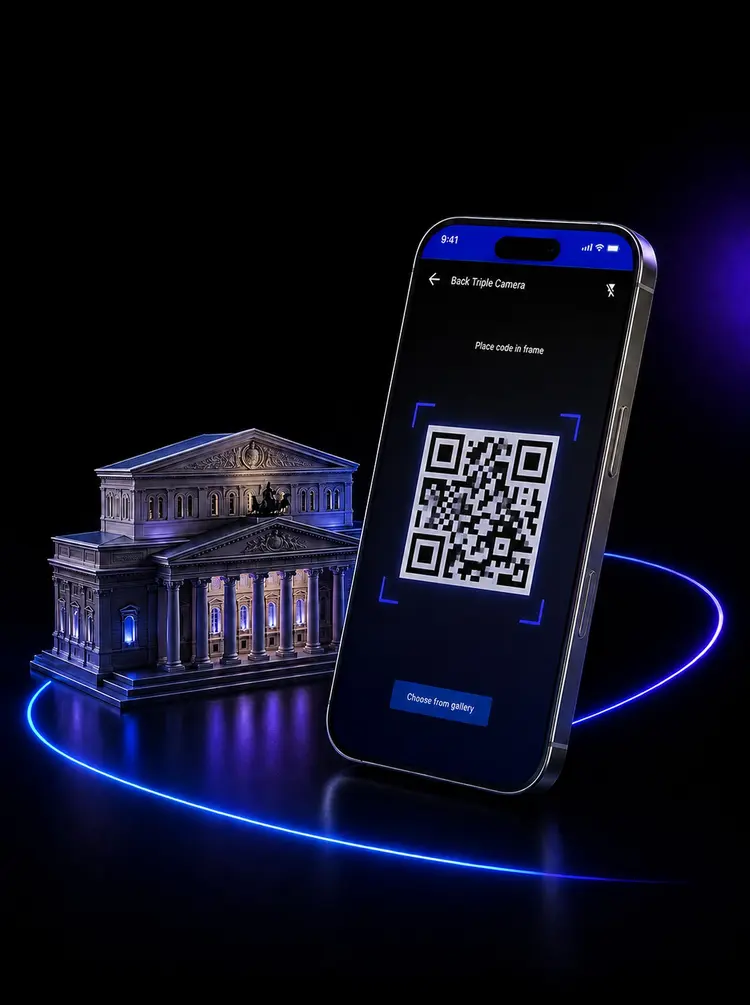
Pay by QR

Pay scanning QR codes for museums, restaurants, stores! They’re widely accepted across Russia

Book Online

Reserve hotels and flight tickets by choosing PayInRussia during checkouts

Link your Payment Details

Access your payment details and link them to apps
Get PayInRussia

How to pay by QR?

QR code payments are widely accepted in Russia. They work in seconds, instead of paying with cash.

How it works at the till

  1. The cashier shows you a QR code, or the counter has one on a sticker.
  2. You scan it in the PayInRussia app and check the amount.
  3. You confirm, and the shop is paid in seconds.

It is what people in Russia use every day — supermarkets, cafés, taxis, delivery, the metro, and most online checkouts.

Booking online

Here is one booking process paid using PayInRussia.

A booking summary on a Russian travel site, with the Pay button at the bottom.
1Fill in the booking as usual and tap Pay.
The payment method screen, with СБП listed above foreign and Russian cards.
2Choose the displayed payment method.
The bank list, with Промсельхозбанк (PayinRussia) marked.
3In the bank list we appear as Промсельхозбанк (PayinRussia / Плати в России). Typing it in the search field is the quickest way there.

Pick us and the app opens by itself: check the amount, confirm, and the booking is paid.

Link your Payment Details

Some sites or apps ask you to link your payment details — taxis, delivery, marketplaces. You can find your payment details in the PayInRussia app: just copy and paste them wherever you need.

The PayInRussia app home screen, showing the card and its balance.
1Open PayInRussia app. Your balance is on the first screen.
The card information panel, listing card number, CVV and expiry date.
2Here are all the necessary payment details to link your card.
A form asking for card number, expiry date and CVC.
3Type them into the app you want to pay from, and save.

Two options. Choose yours

Find the best one for you and open your account in minutes

Top up to 15 000₽

about 170 $

For everyday spending

You can top up as often as you like — with a limit of 40 000 ₽ per month
Spending
up to 40 000 ₽ per month
Passport
not required
Top-up
international payment method
Sign Up

Top up to 600 000₽

about 7 000 $

For longer stays and bigger bookings

You can top up as often as you like — with no monthly limit
Spending
no monthly limit
Passport
identity verification required
Top-up
international payment method
Sign Up

Get the App

Use it on your phone and keep PayInRussia ready wherever you go
Download it before you land

Android

  1. 1

    Download the .apk file

  2. 2

    Allow the install when asked

  3. 3

    Open the app and sign in

Our certified app for Android
Your account and payment data stay protected

Android double-checks apps from outside Google Play, so expect a warning or two — the guide walks you through every prompt, Samsung’s Auto Blocker included.